React

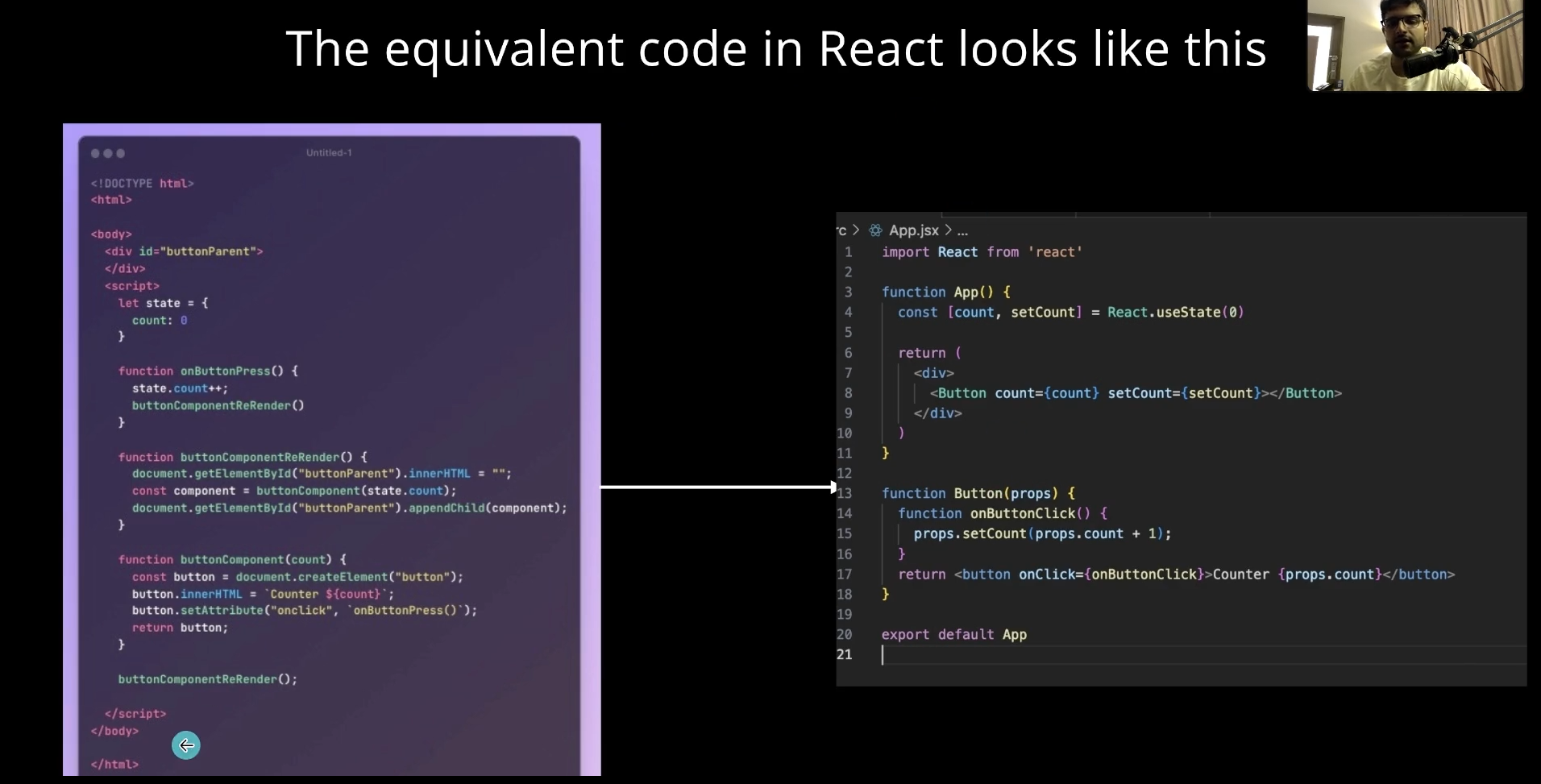

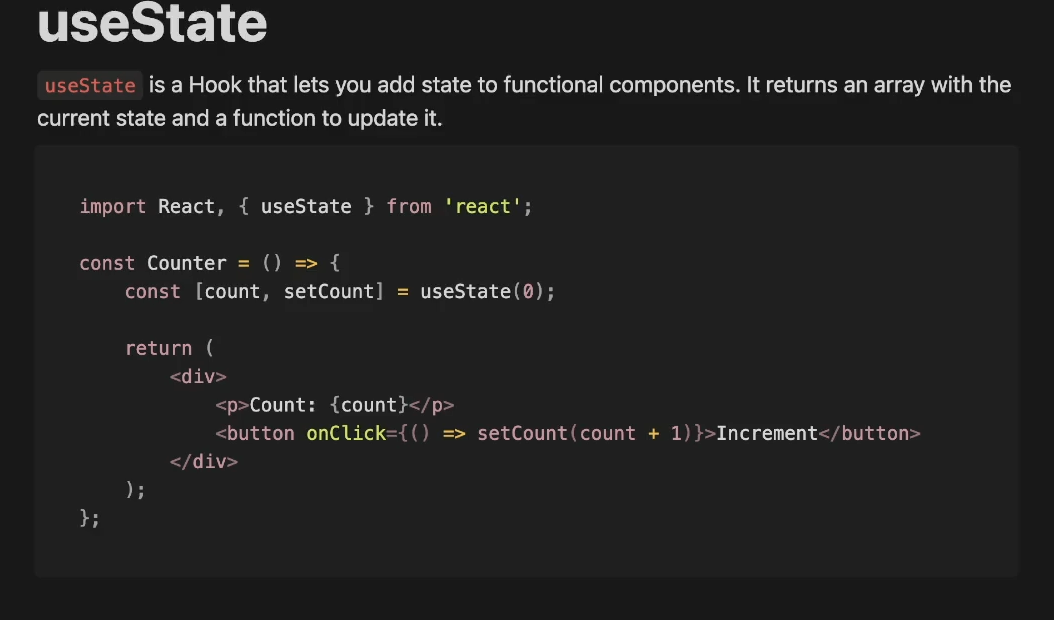
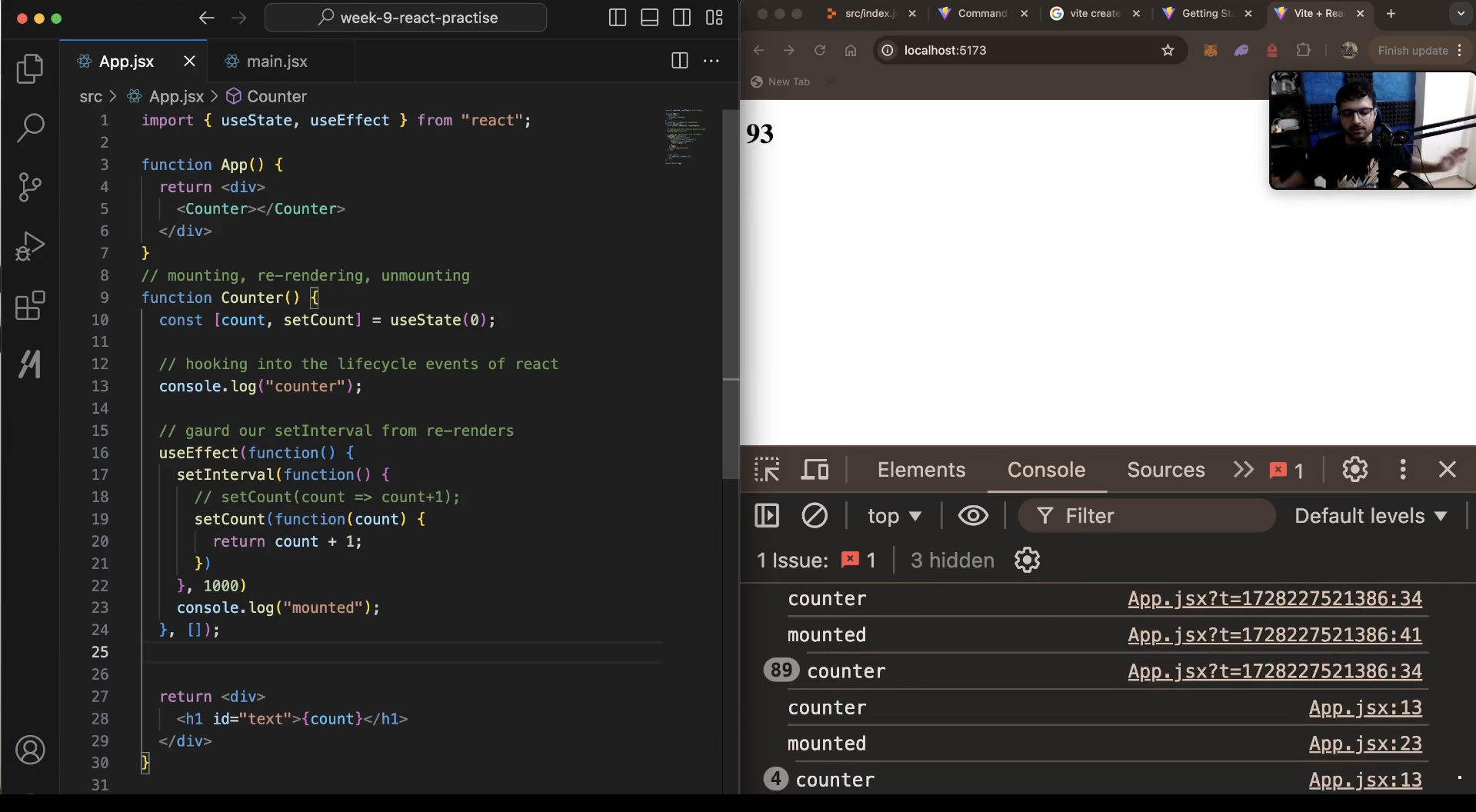
Conditional Rendering
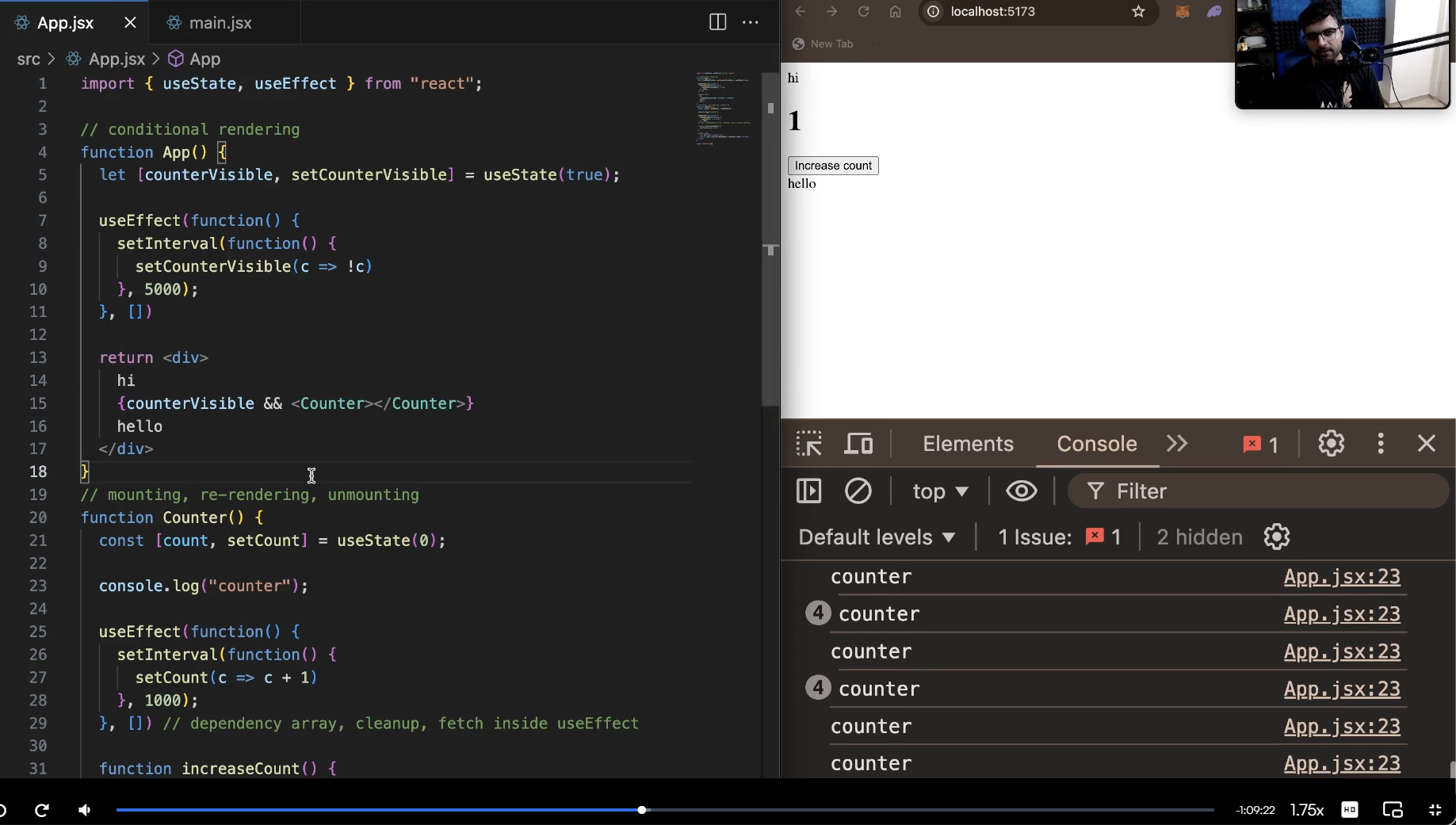
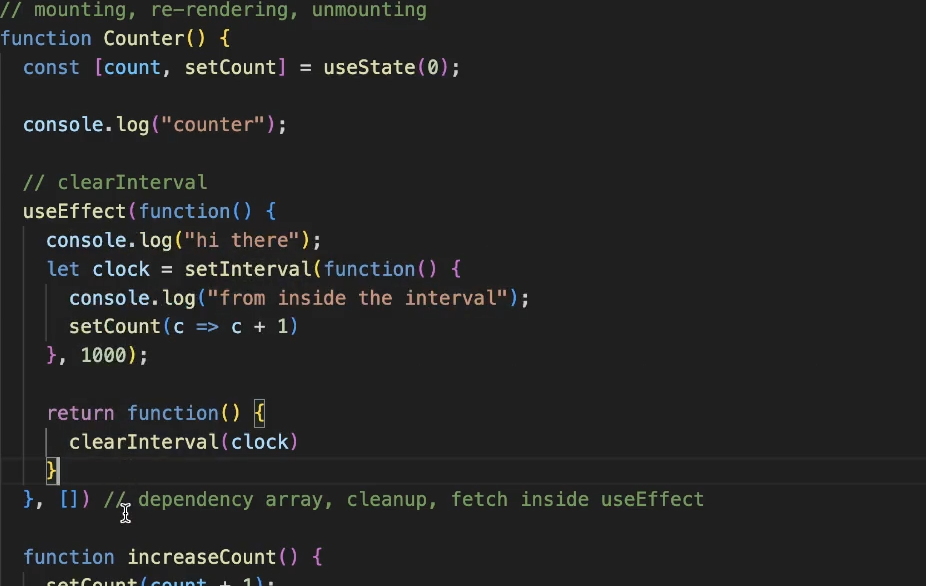

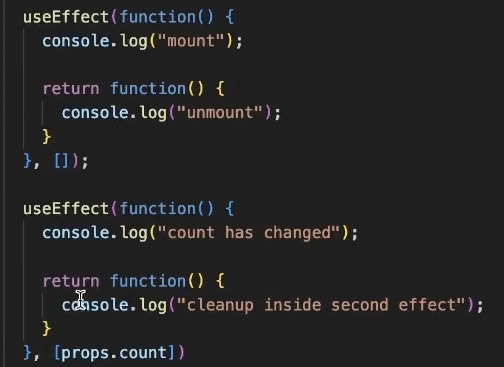
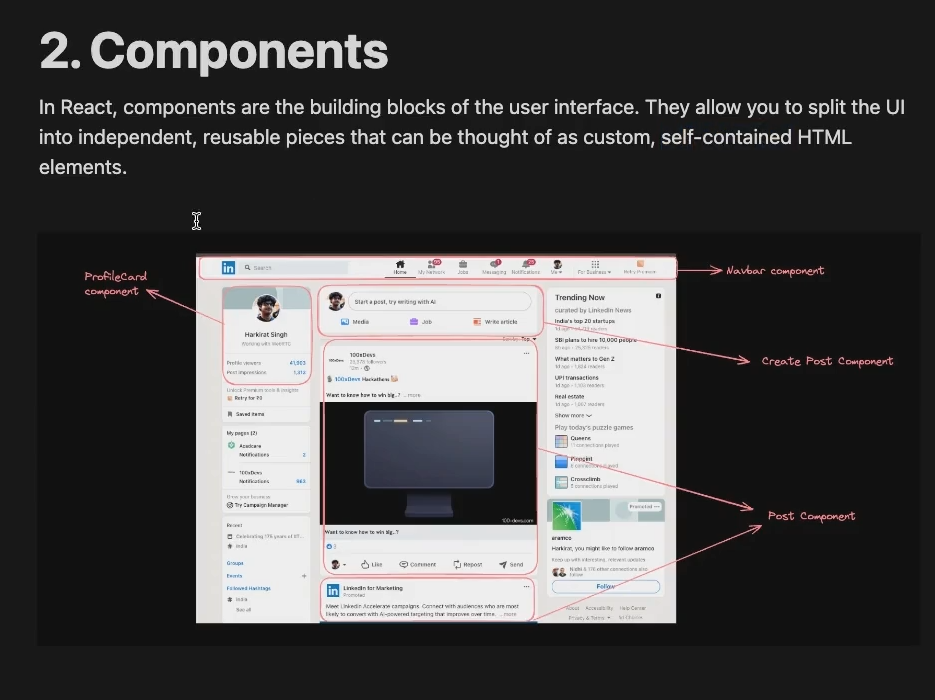
Component
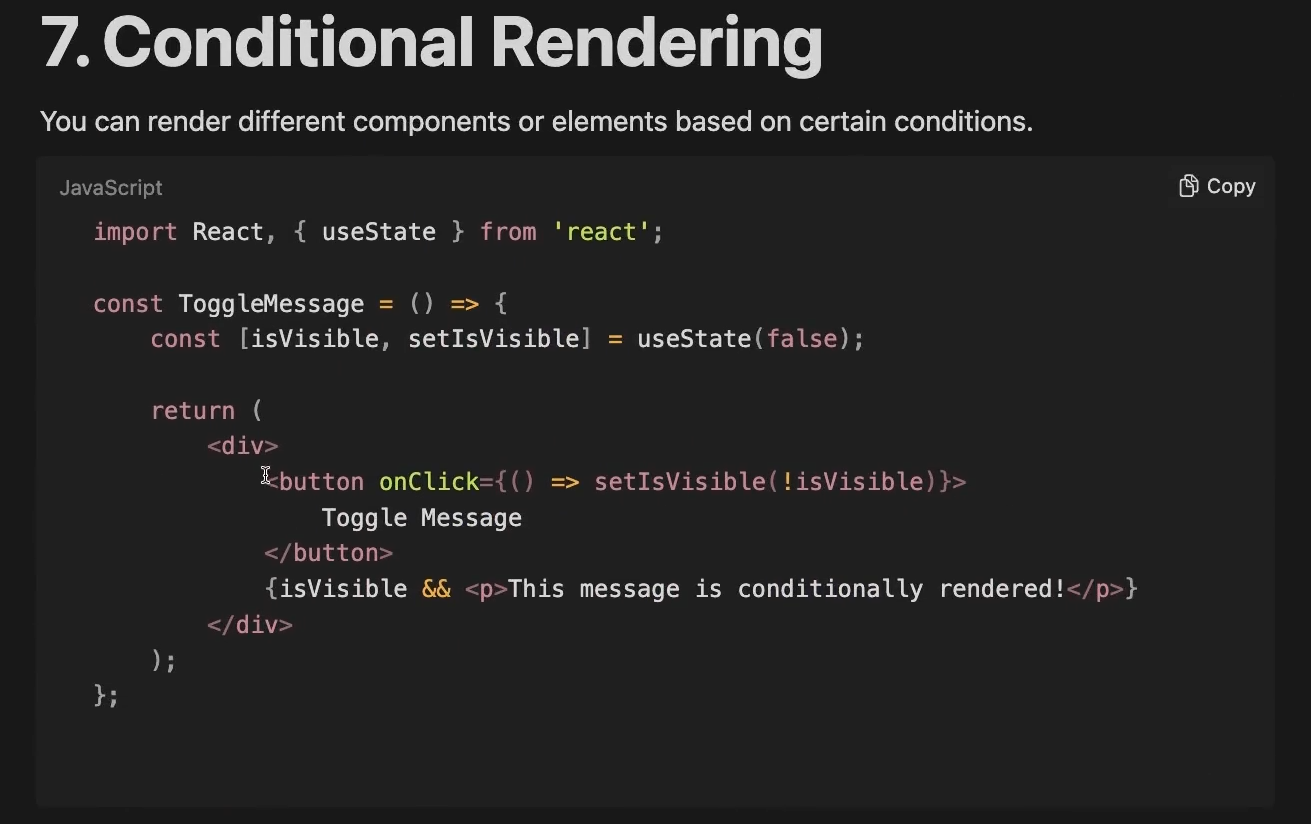
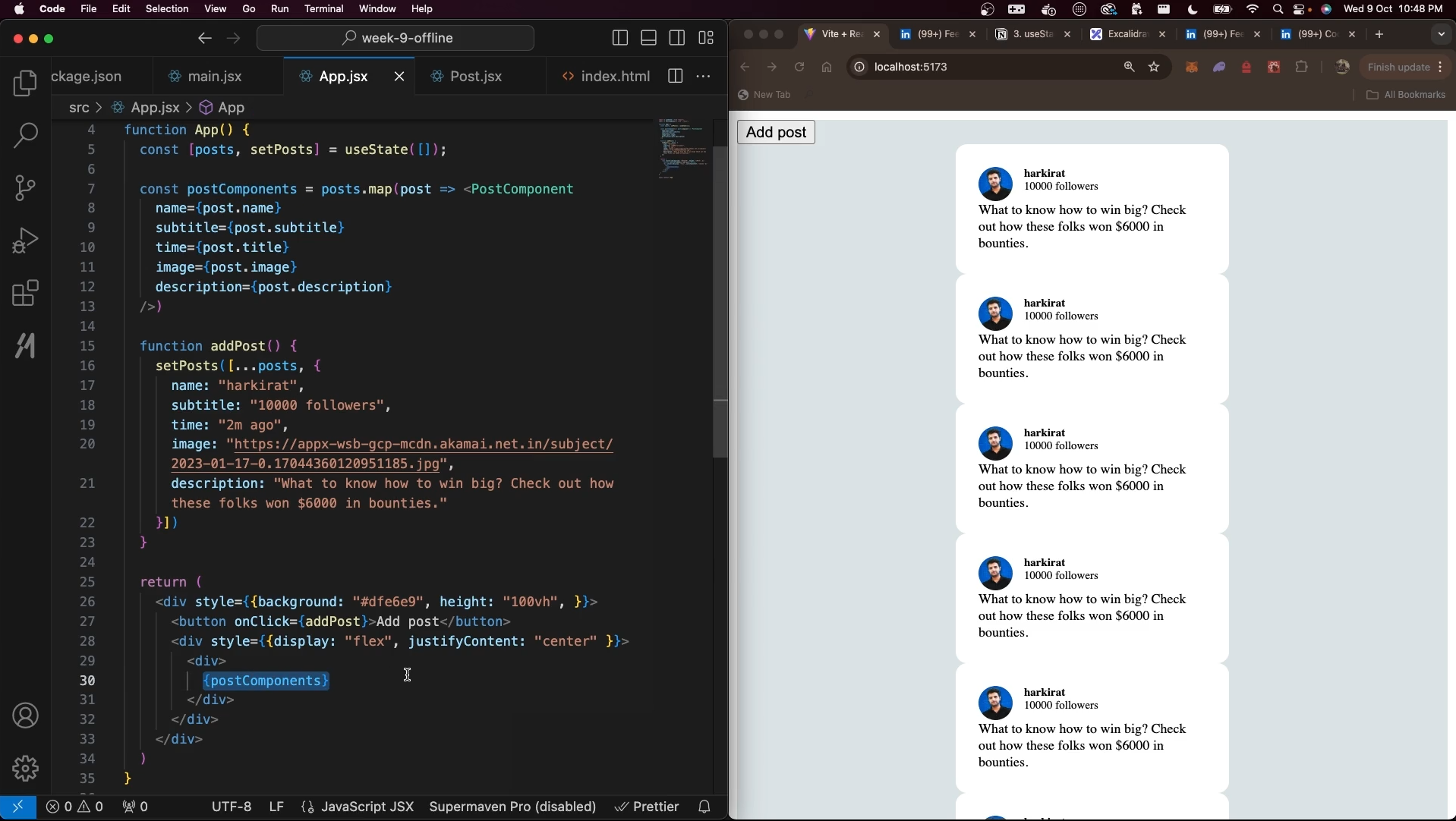
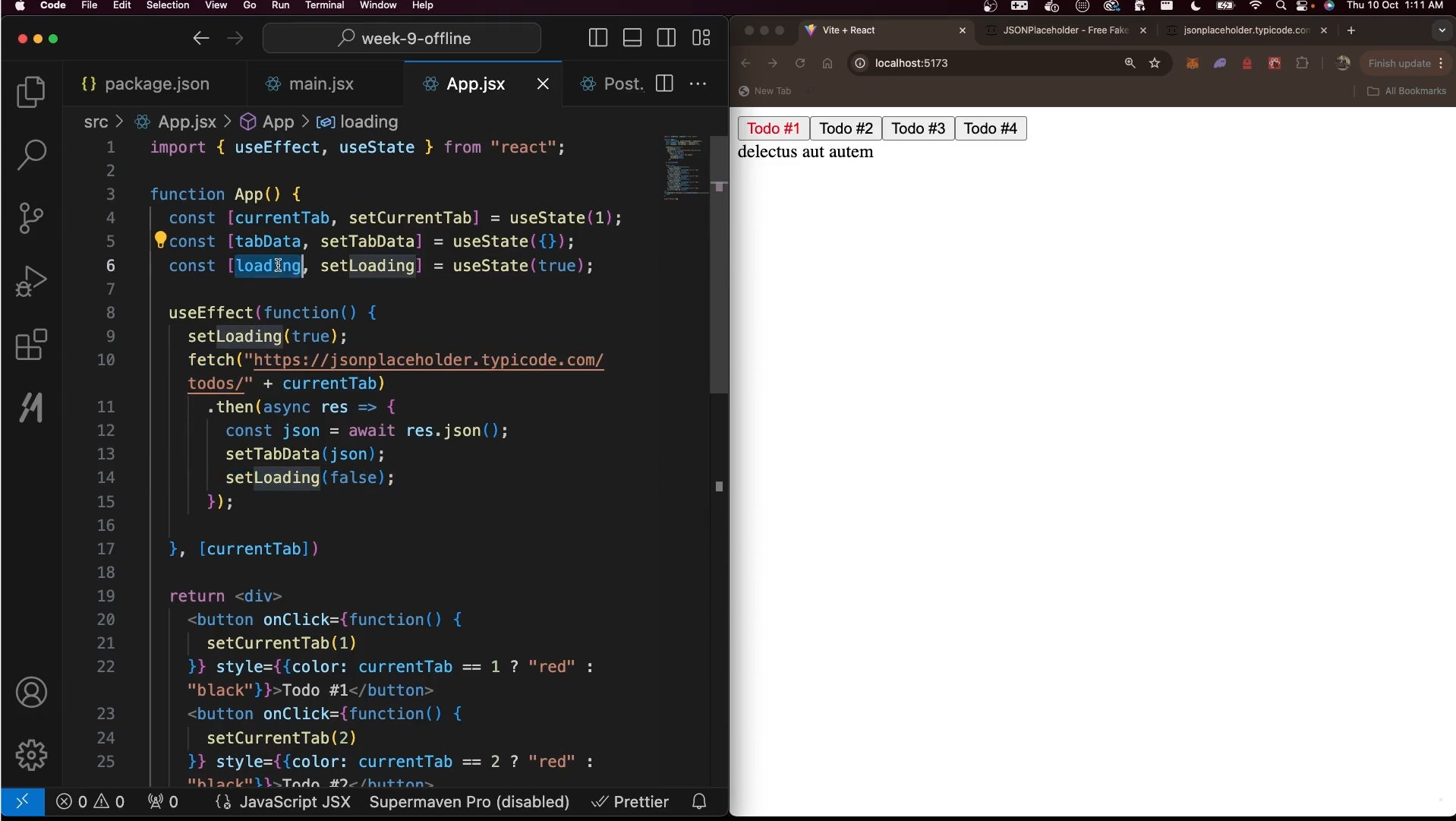
Conditional Rendering
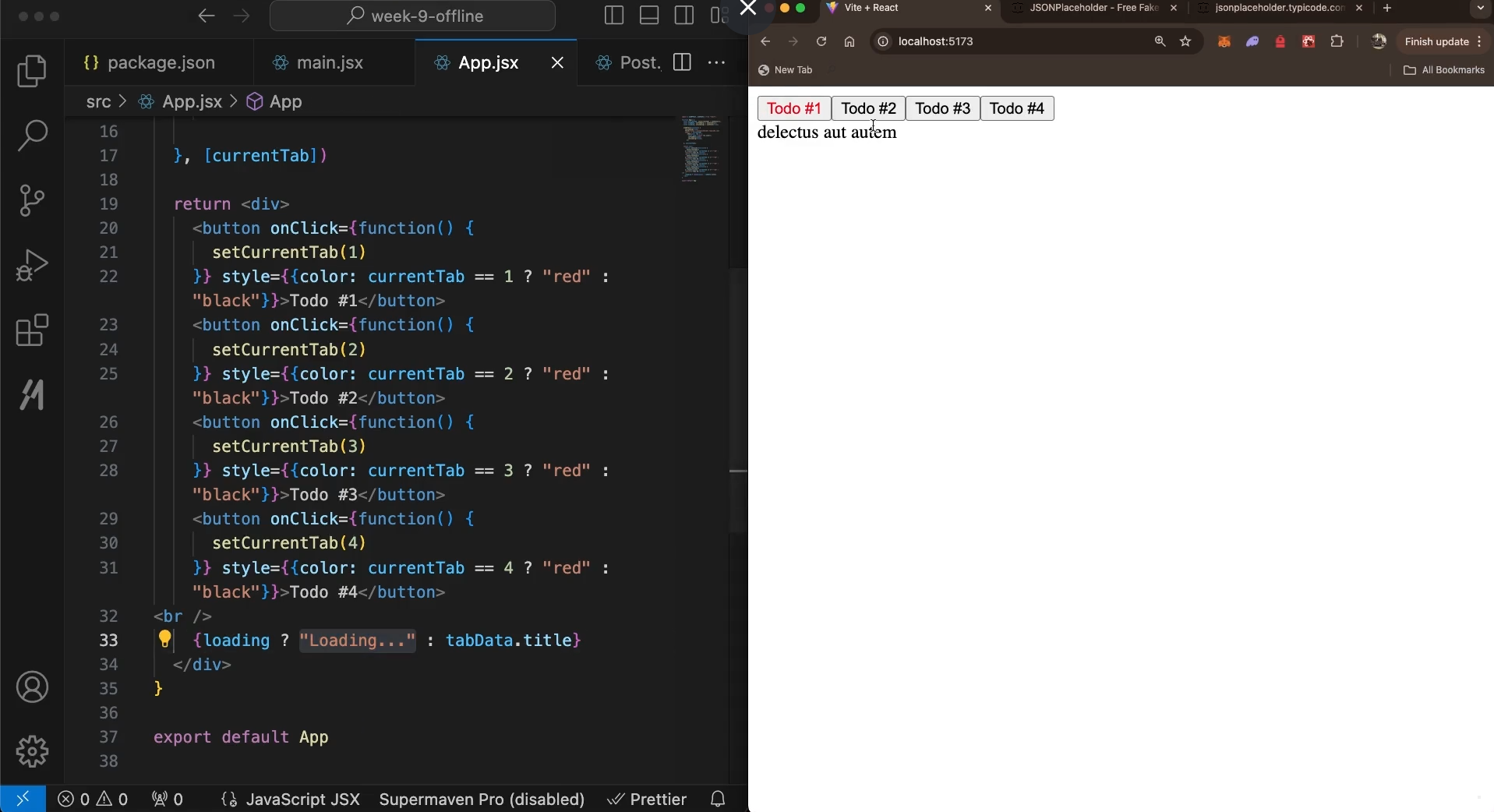
Children props
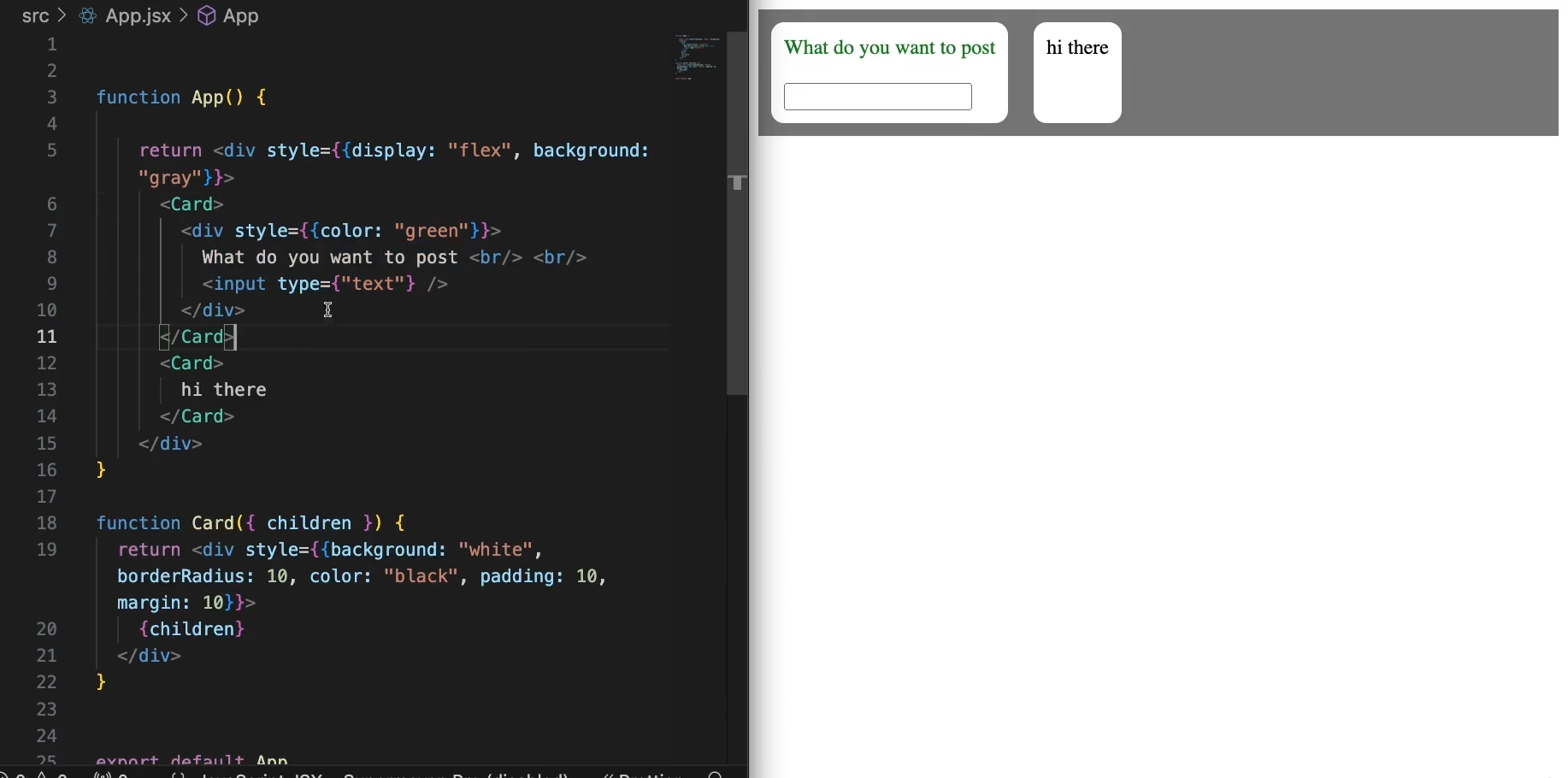
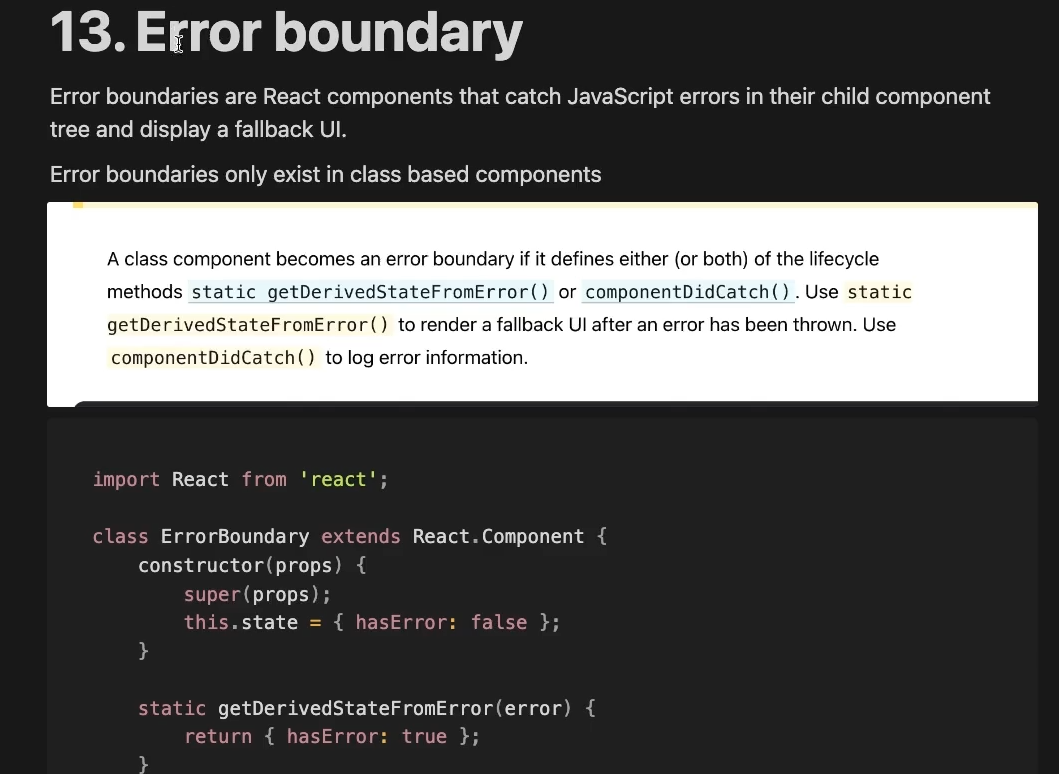
Error Boundary
SPAs - Single page application
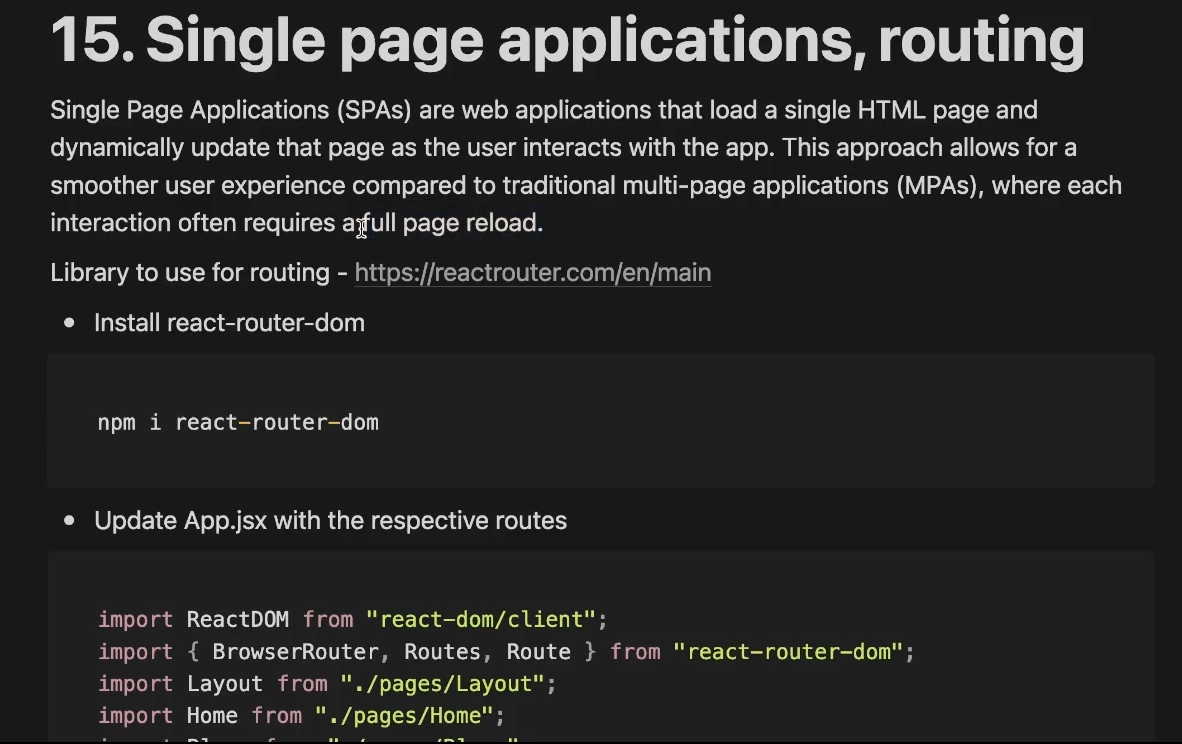
React Routing
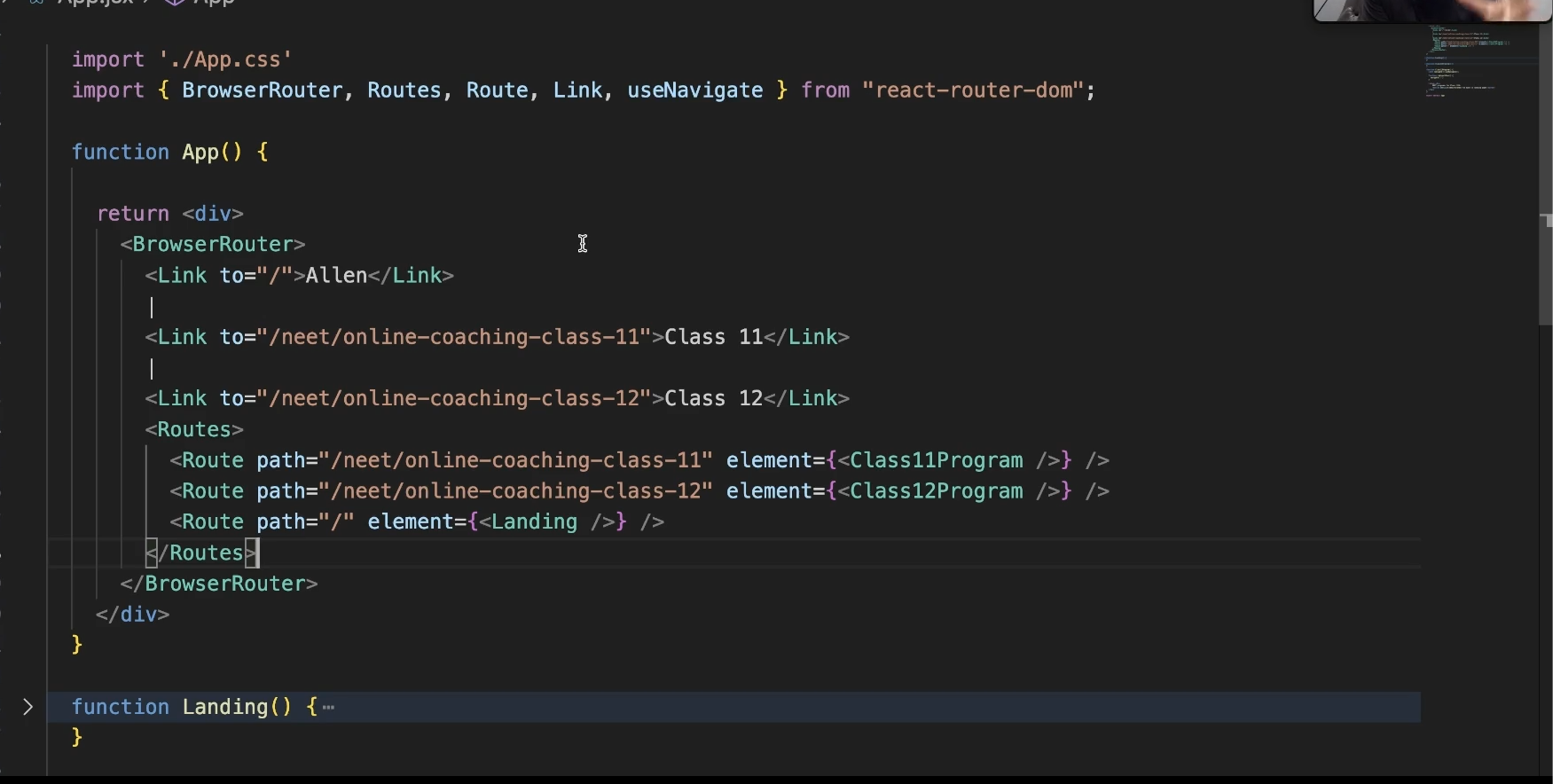
There are three ways of routing
1→ using BrowerRouter , Routes then Route tag
2 → using Link
3 → using useNavigate hook
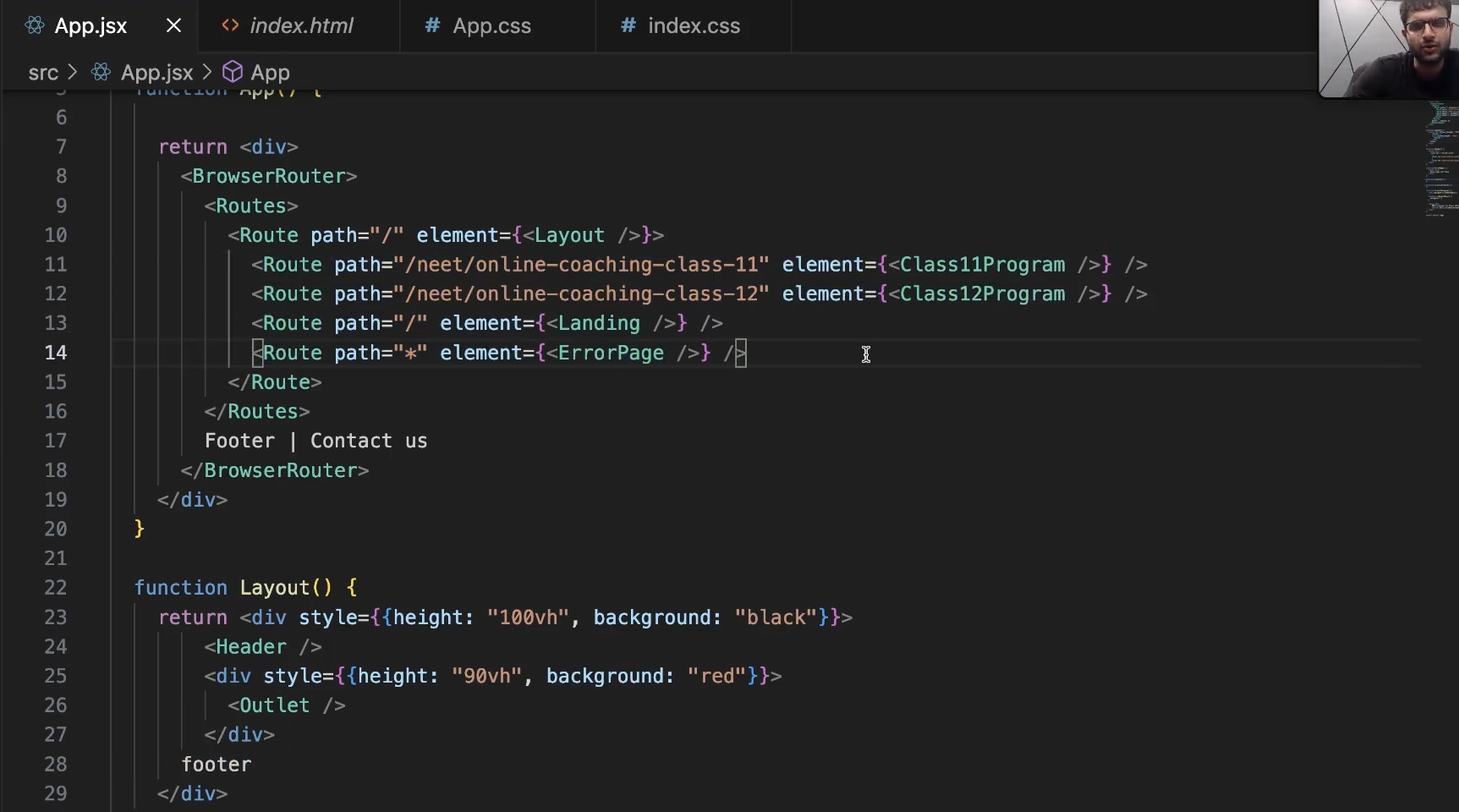
Layouts
useRef
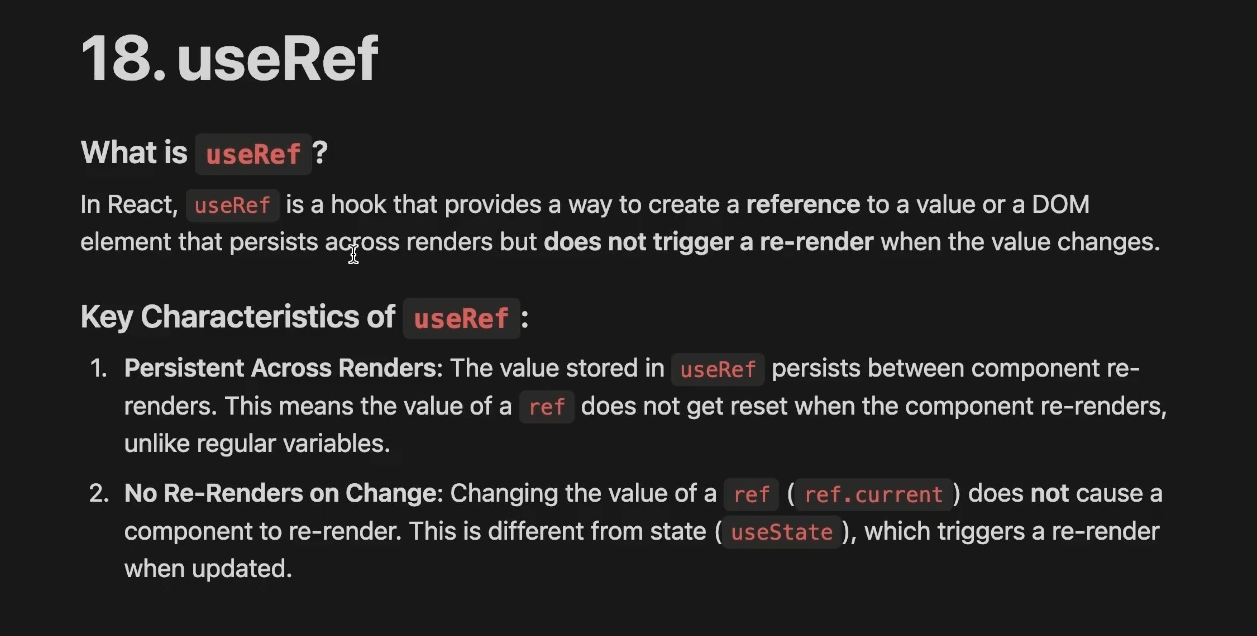
Key properties:
ref.currentcan hold any value (DOM node, number, object, function).- Updating
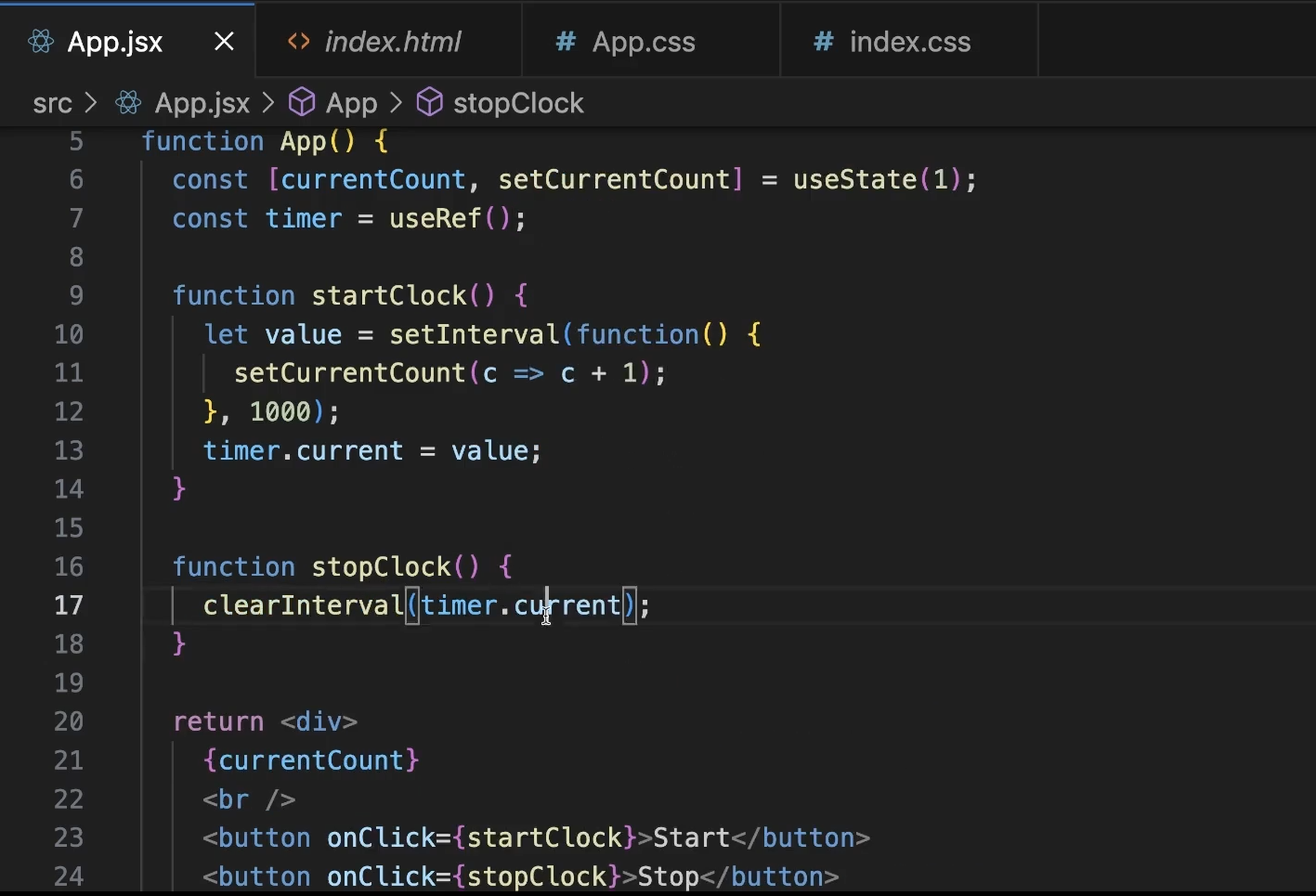
ref.currentdoes not re-render the component. - Perfect for imperative things: accessing DOM elements, keeping instance-like variables, storing timers, etc.
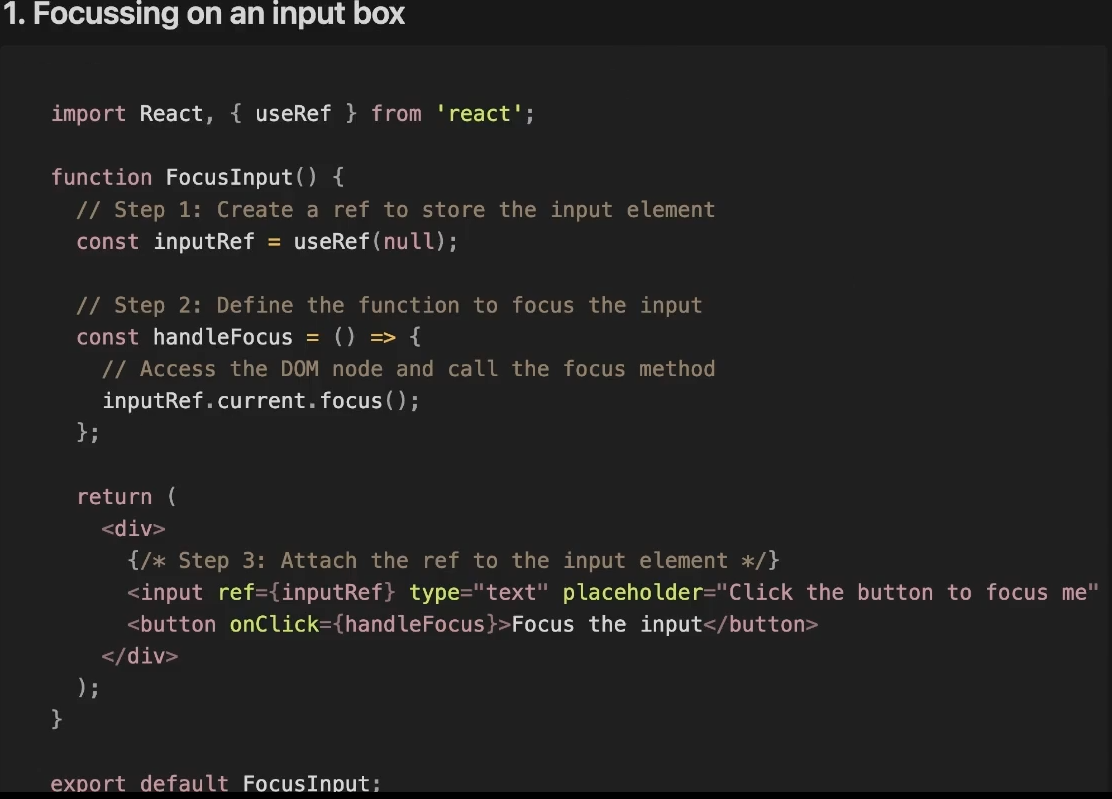

useRef best example
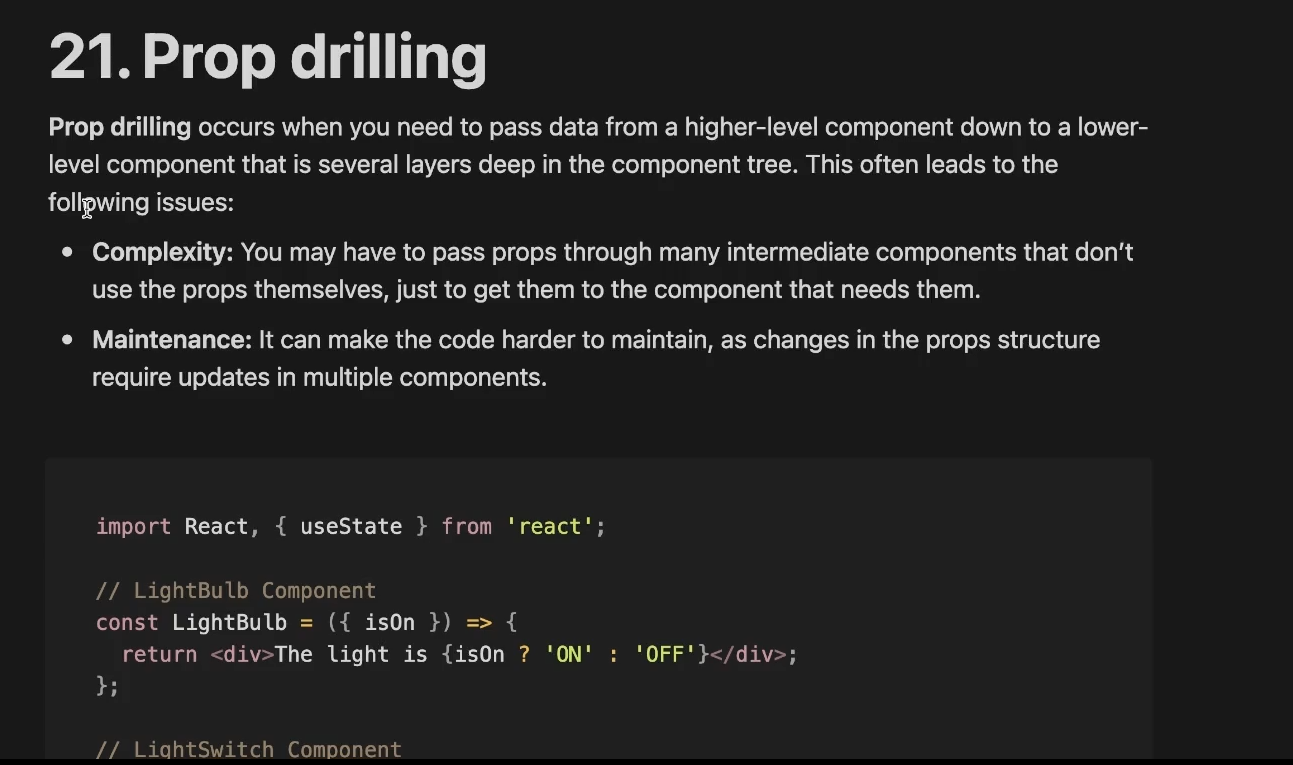
Prop drilling
Context API
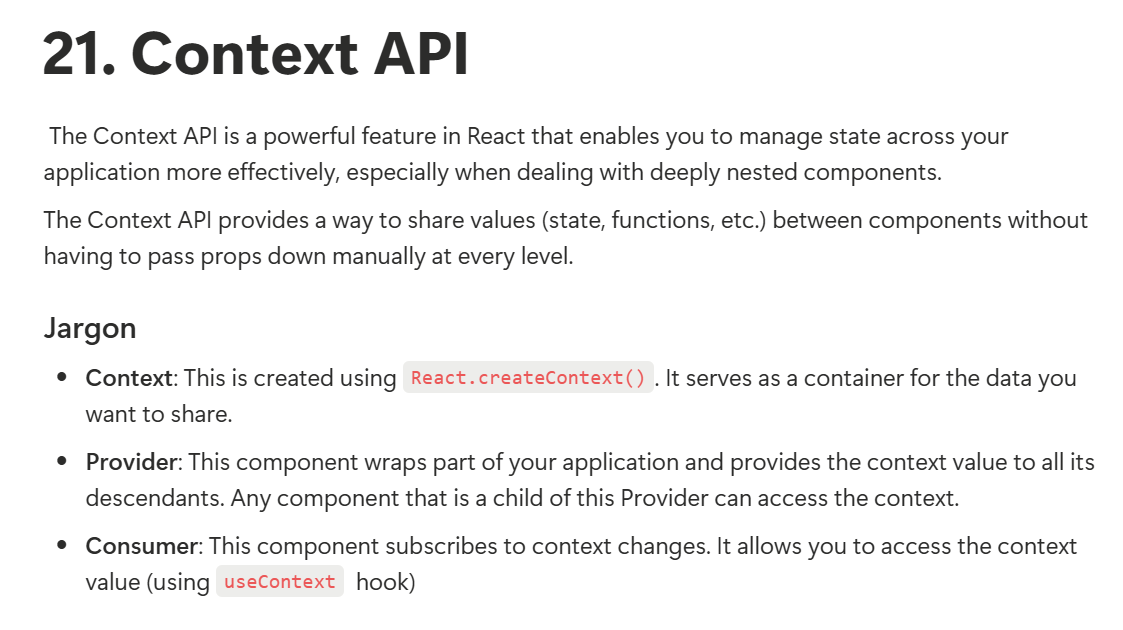
javascriptconst CountContext = createContext();
function CountContextProvider({ children }) {
const [count, setCount] = useState(0);
return <CountContext.Provider value={{count, setCount}}>
{children}
</CountContext.Provider>
}
function Parent() {
return (
<CountContextProvider>
<Incrase />
<Decrease />
<Value />
</CountContextProvider>
);
}
function Decrease() {
const {count, setCount} = useContext(CountContext);
return <button onClick={() => setCount(count - 1)}>Decrease</button>;
}
function Incrase() {
const {count, setCount} = useContext(CountContext);
return <button onClick={() => setCount(count + 1)}>Increase</button>;
}
function Value() {
const {count} = useContext(CountContext);
return <p>Count: {count}</p>;
}
const App = () => {
return <div>
<Parent />
</div>
};
export default App;
javascriptimport React, { createContext, useContext, useState } from 'react';
import { RecoilRoot, atom, useRecoilValue, useSetRecoilState } from 'recoil';
const count = atom({
key: 'countState', // unique ID (with respect to other atoms/selectors)
default: 0, // default value (aka initial value)
});
function Parent() {
return (
<RecoilRoot>
<Incrase />
<Decrease />
<Value />
</RecoilRoot>
);
}
function Decrease() {
const setCount = useSetRecoilState(count);
return <button onClick={() => setCount(count => count - 1)}>Decrease</button>;
}
function Incrase() {
const setCount = useSetRecoilState(count);
return <button onClick={() => setCount(count => count + 1)}>Increase</button>;
}
function Value() {
const countValue = useRecoilValue(count);
return <p>Count: {countValue}</p>;
}
// App Component
const App = () => {
return <div>
<Parent />
</div>
};
export default App;
Custom Hooks
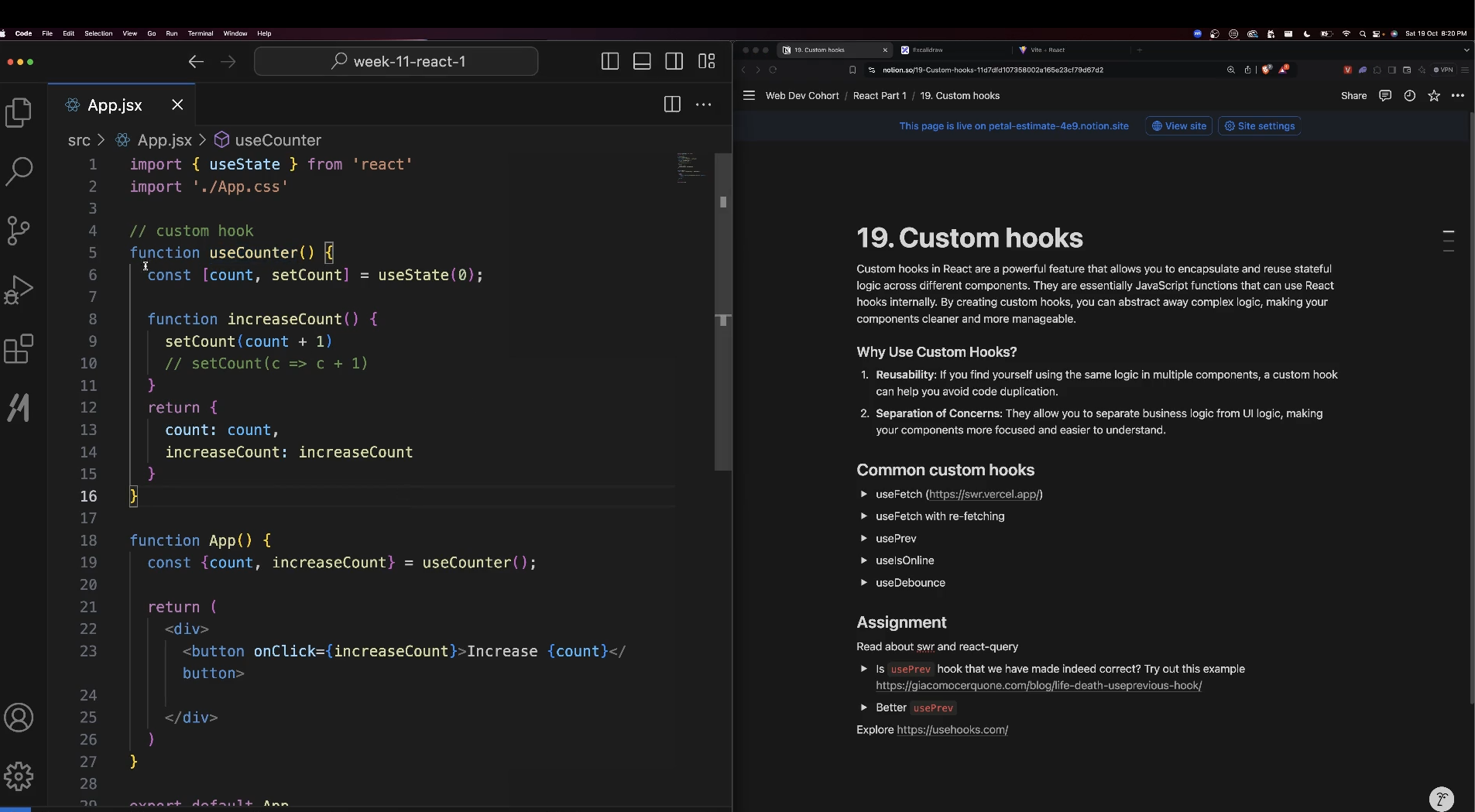
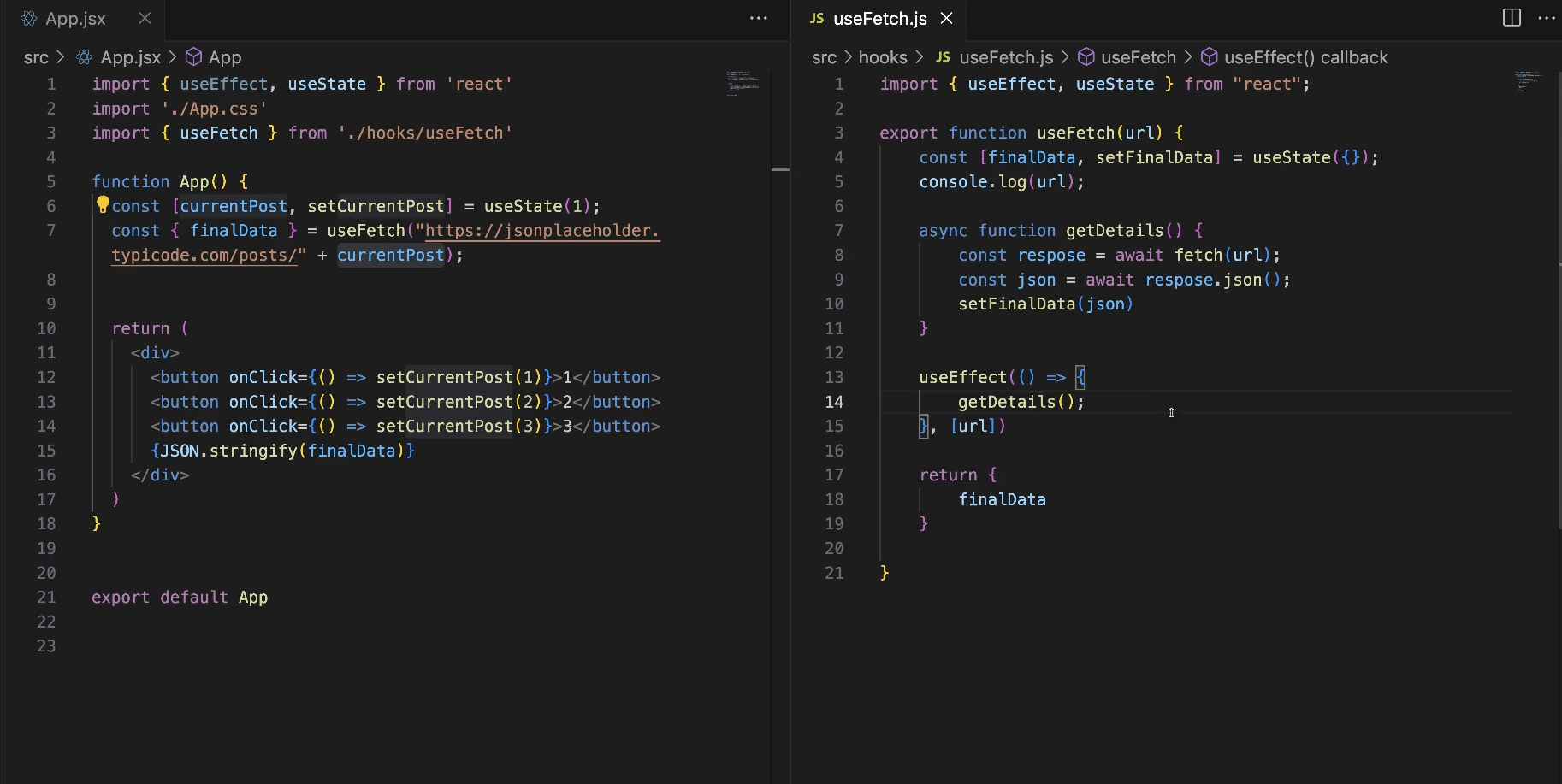
useFetch() hook
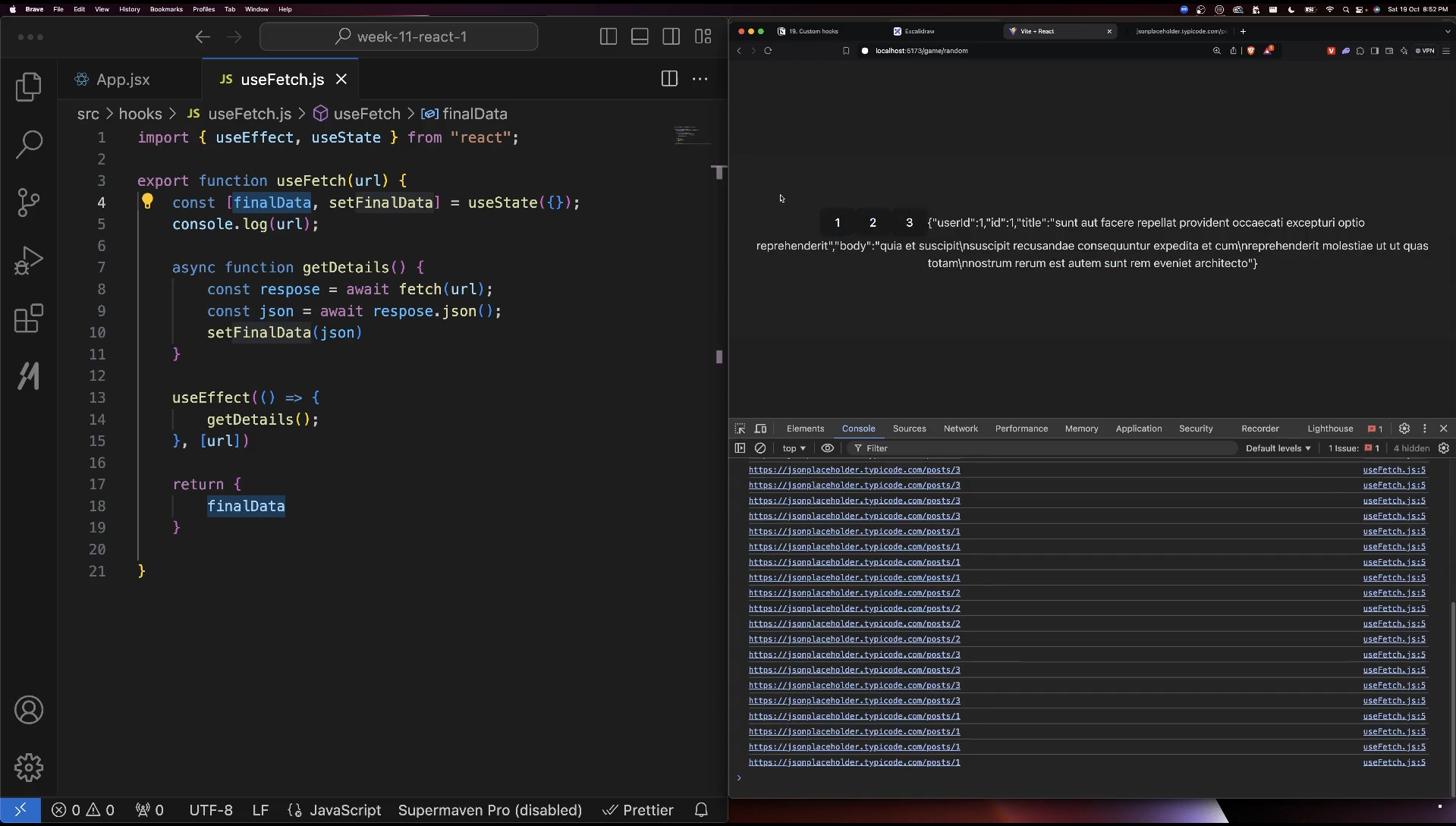
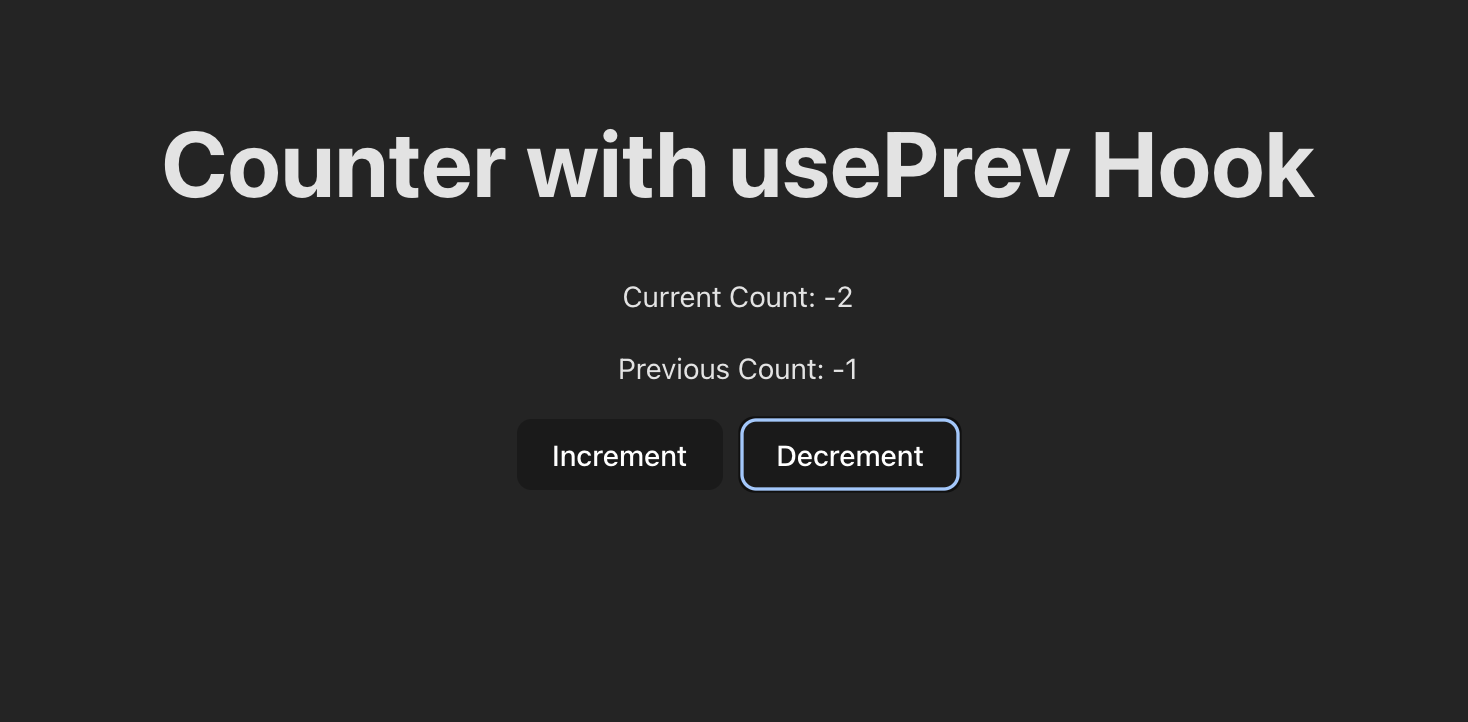
usePrev hook
javascriptimport { useRef, useState, useEffect } from 'react'
import './App.css'
export const usePrev = (value) => {
const ref = useRef();
// Update the ref with the current value after each render
useEffect(() => {
ref.current = value;
}, [value]);
// Return the previous value (current value of ref before it is updated)
return ref.current;
// it return first, effect gets called later.
};
function App() {
const [count, setCount] = useState(0);
const prevCount = usePrev(count); // Track the previous count value
return (
<div style={{ textAlign: 'center', marginTop: '50px' }}>
<h1>Counter with usePrev Hook</h1>
<p>Current Count: {count}</p>
<p>Previous Count: {prevCount}</p>
<button onClick={() => setCount(count + 1)}>Increment</button>
<button onClick={() => setCount(count - 1)} style={{ marginLeft: '10px' }}>Decrement</button>
</div>
);
}
export default App
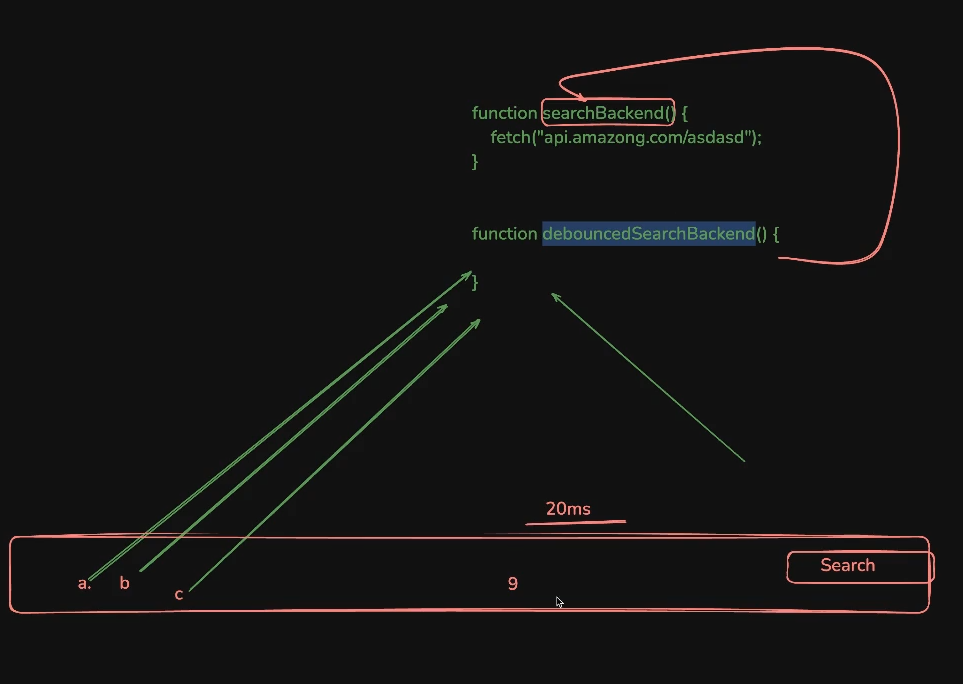
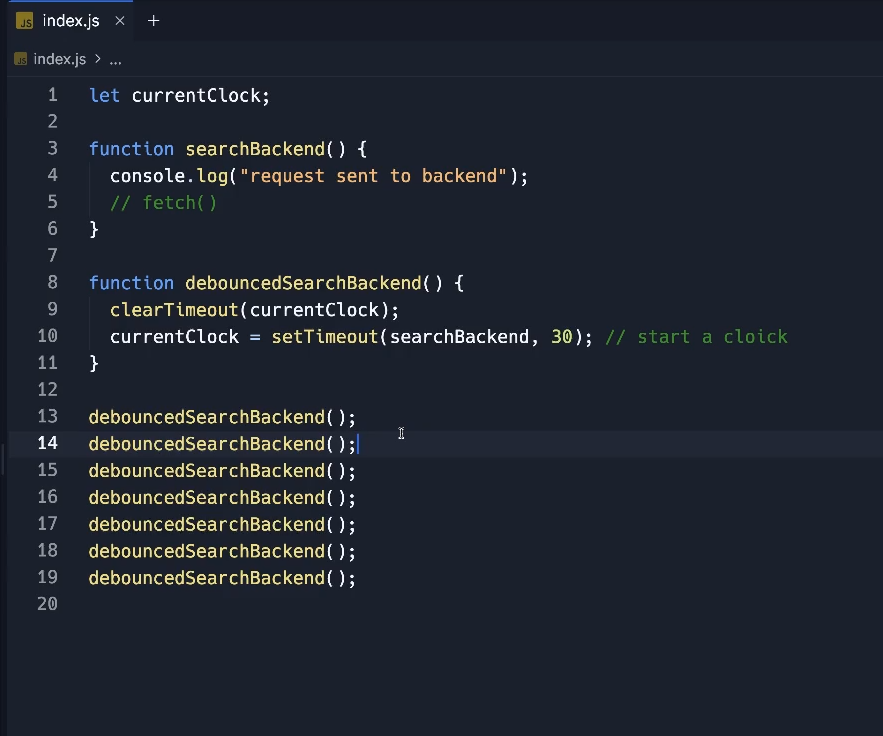
useDebounce hook

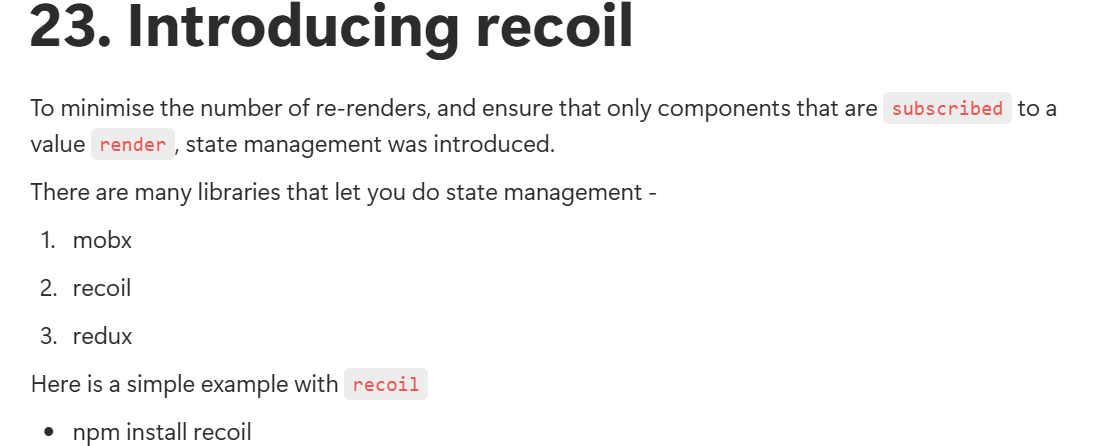
Recoil Introduction
A state management library for React that provides a way to manage global state with fine-grained control.
Recoil minimizes unnecessary renders by only re-rendering components that depend on changed atoms
The performance of a React app is measured by the number of re-renders. Each re-render is expensive, and you should aim to minimise it.
Atom
Atoms are units of state that can be read from and written to from any component. When an atom’s state changes, all components that subscribe to that atom will re-render.
javascriptimport React, { createContext, useContext, useState } from 'react';
import { RecoilRoot, atom, useRecoilValue, useSetRecoilState } from 'recoil';
const count = atom({
key: 'countState', // unique ID (with respect to other atoms/selectors)
default: 0, // default value (aka initial value)
});
function Parent() {
return (
<RecoilRoot>
<Incrase />
<Decrease />
<Value />
</RecoilRoot>
);
}
function Decrease() {
const setCount = useSetRecoilState(count);
return <button onClick={() => setCount(count => count - 1)}>Decrease</button>;
}
function Incrase() {
const setCount = useSetRecoilState(count);
return <button onClick={() => setCount(count => count + 1)}>Increase</button>;
}
function Value() {
const countValue = useRecoilValue(count);
return <p>Count: {countValue}</p>;
}
// App Component
const App = () => {
return <div>
<Parent />
</div>
};
export default App;
Memo
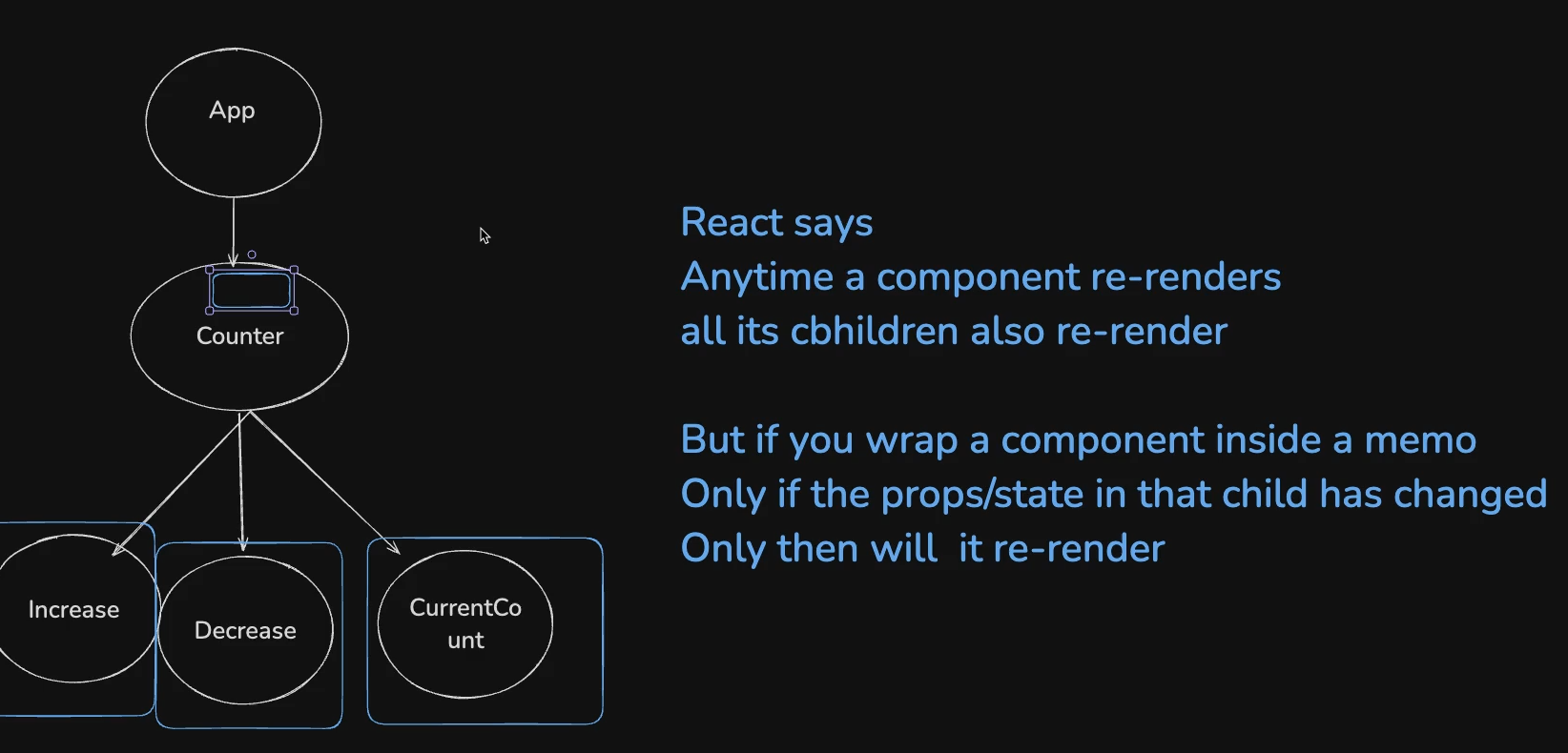
React.memo is a higher-order component (HOC) that memoizes a functional component. It tells React: “Only re-render this component if its props have changed.”
memo lets you skip re-rendering a component when its props are unchanged.
Selectors
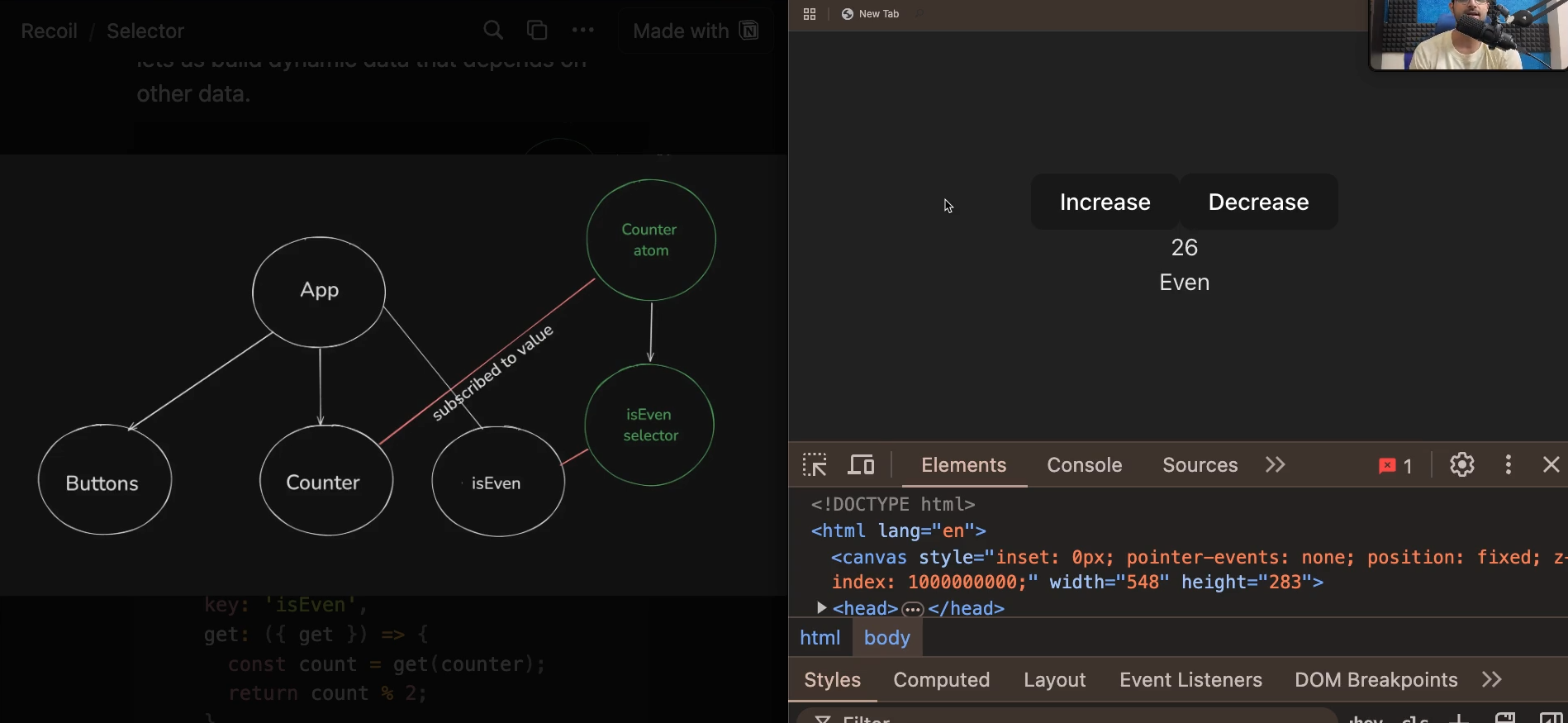
javascriptconst even = selector({
key: 'isEven',
get: ({ get }) => {
const count = get(counter);
return count % 2;
},
})